AI Artwork for T-Shirts Is Growing Fast—But There’s a Catch
AI artwork for t-shirts is changing how people create graphic tees, custom t-shirts, and branded apparel. It’s fast. It’s creative. It’s fun. But here’s the part most people don’t realize:
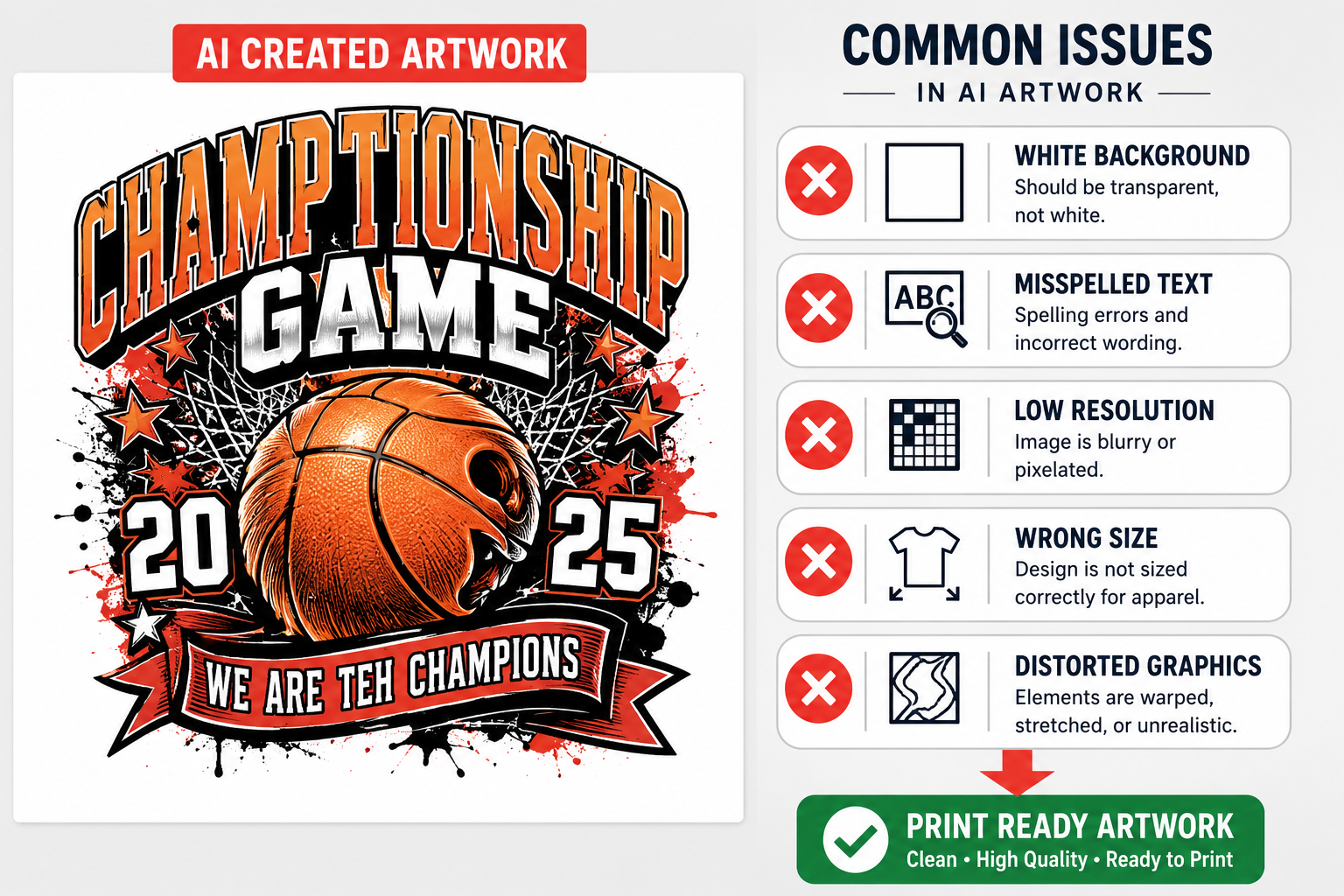
AI artwork is usually NOT print-ready.
We’ve seen a big increase in customers bringing in AI-generated designs. And while the ideas are great, the files often need work before they can be printed.
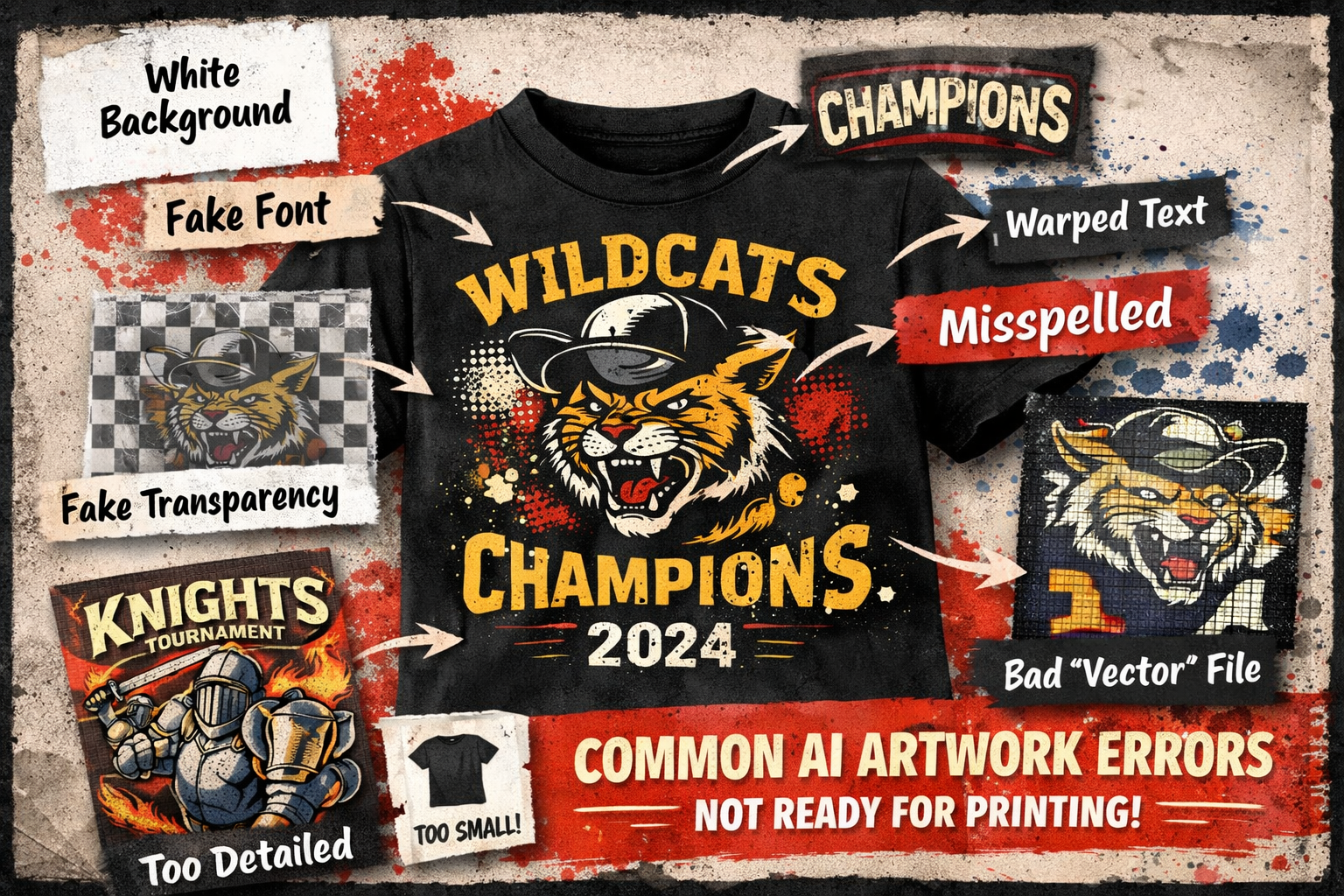
Common issues we see:
- White backgrounds instead of transparent ones
- Misspelled or distorted text
- Incorrect sizing for apparel
- Low-quality images or wrong file types
And here’s the key point:
👉 We can only print what’s in the file.
If the text is off, the background isn’t transparent, or the design is blurry… that’s exactly how it will print. The good news? You can fix most of this before you submit your file.
Should You Use AI for Custom T-Shirts?
AI is a powerful tool—but it works best when used the right way.
✅ When AI Works Great
AI artwork for t-shirts is a great choice when you need:
- Quick design ideas
- Simple, bold graphics
- Fun or novelty graphic tee designs
- Budget-friendly one-off prints
- Fast revisions with new prompts
👉 AI works best when designs are clean, simple, and high contrast.
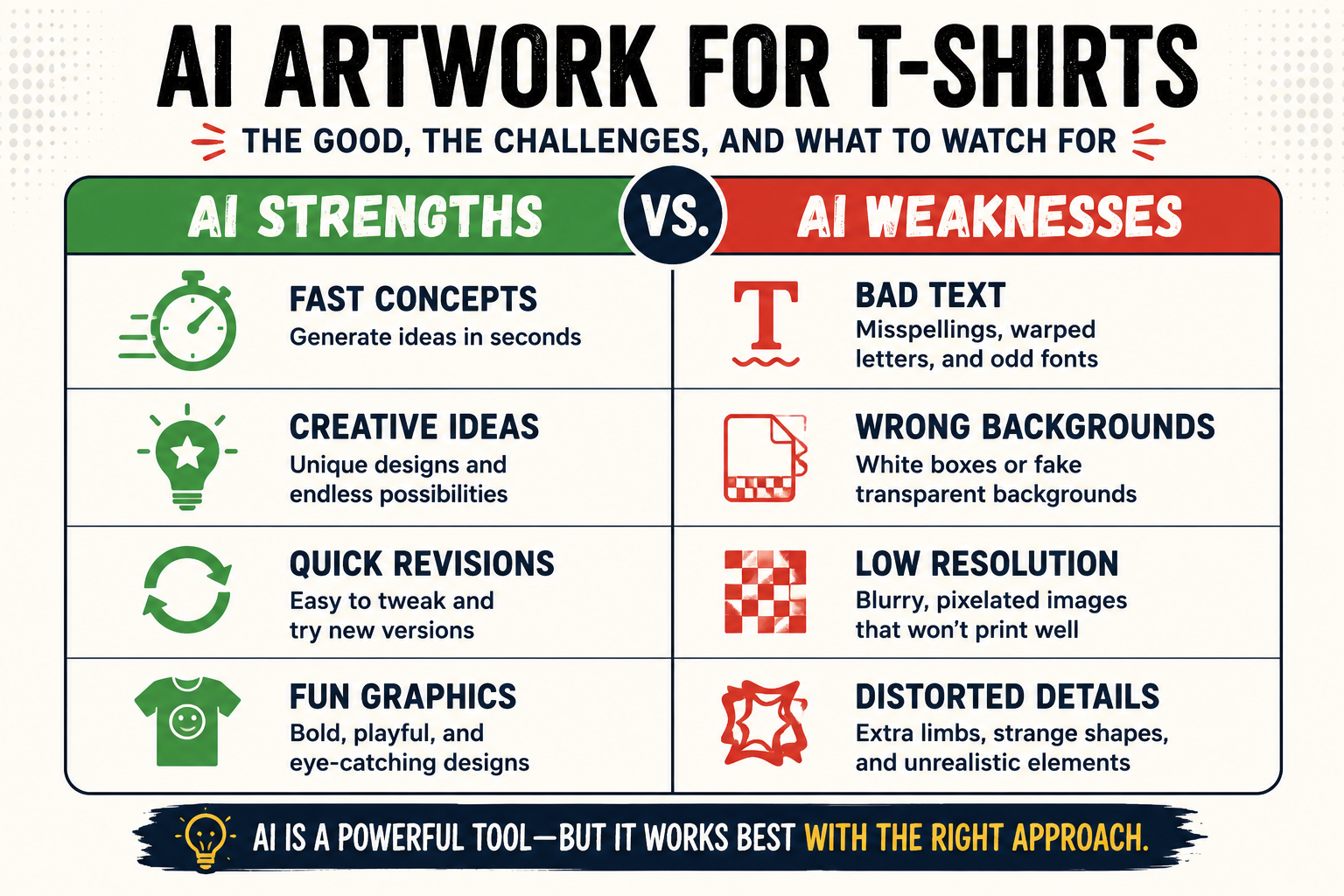
⚠️ Where AI Falls Short
AI still has limitations—especially for printing.
- Text can be inaccurate or warped
- Fonts often don’t exist in real life
- Files are not always print-ready
- Designs can be too detailed for apparel
- Results can vary from one prompt to another
👉 Think of AI as a starting point—not a finished product.
Common AI Artwork Mistakes (And How to Avoid Them)
Before you submit your file, check for these common AI design mistakes.
🔤 Text & Font Problems
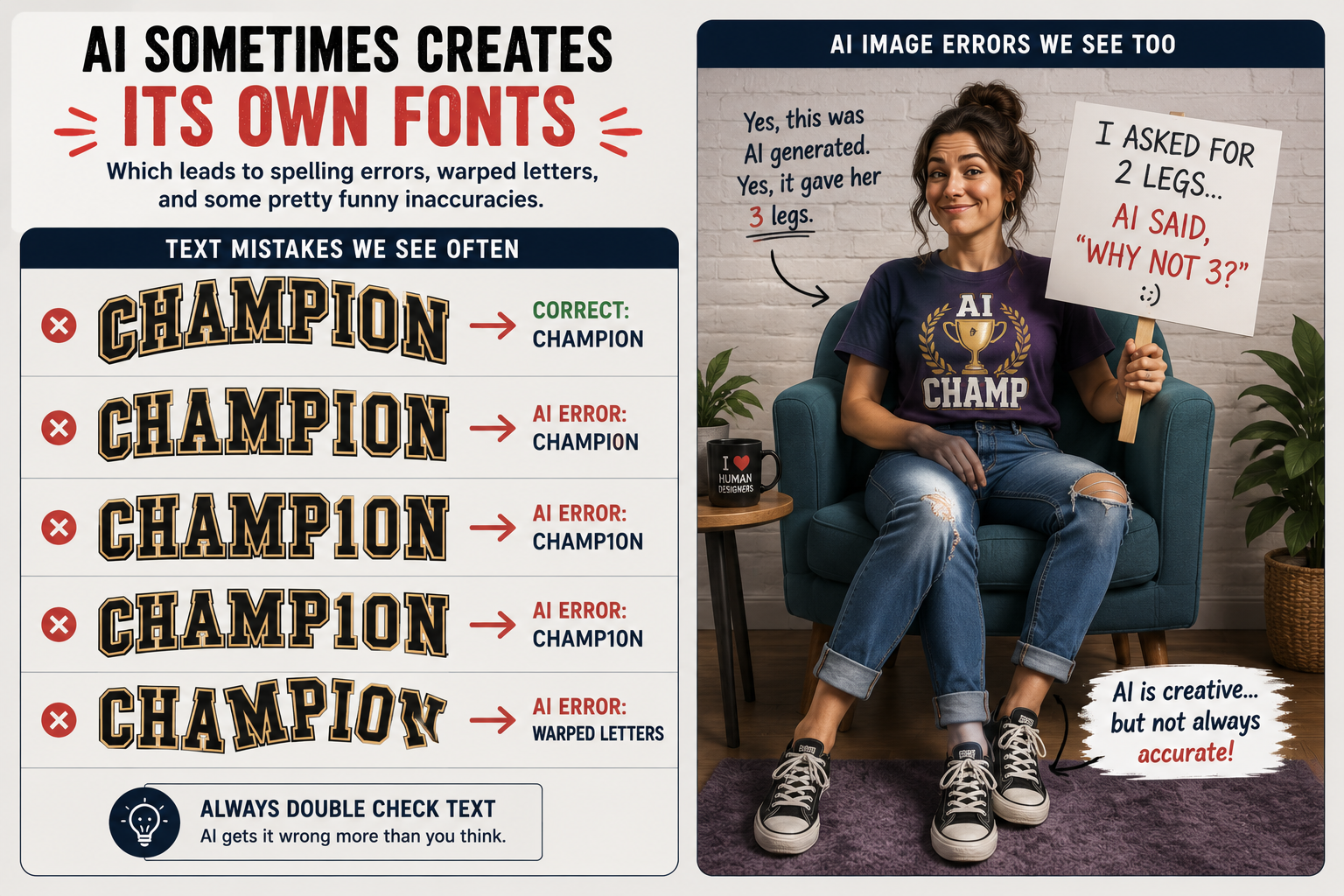
This is the #1 issue we see.
- Misspelled words
- Warped or uneven letters
- Fonts that can’t be matched or recreated
👉 If it looks off on screen, it will look off on the shirt.
🧩 Background Issues
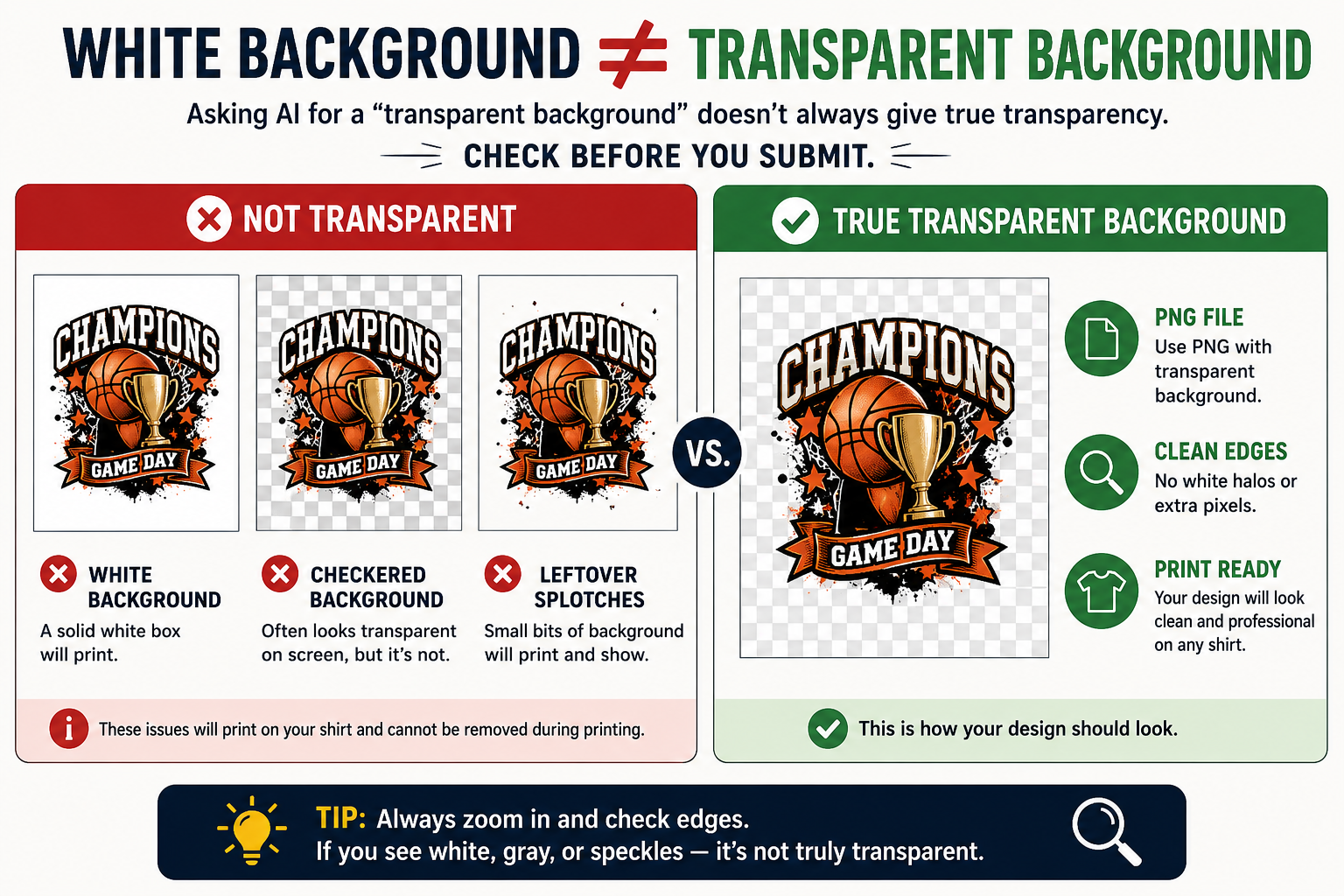
Many AI tools don’t create true transparency.
- White or colored boxes behind designs
- “Fake” transparent backgrounds
👉 Your file should have a real transparent background (PNG).
📁 File Type & Quality Issues
- JPEG instead of PNG
- Low-resolution images
- No vector file (SVG, AI, EPS)
👉 For best results, use print-ready PNG or SVG files.
🎨 Color & Contrast Problems
- Colors that blend into the shirt
- Too many gradients
- Designs that look good digitally—but not on fabric
👉 Always design with the shirt color in mind.
📏 Sizing & Placement Issues
- Design too small or too large
- Not scaled properly
- Off-center layout
👉 Size matters more than most people think.
What Makes Artwork Print-Ready?
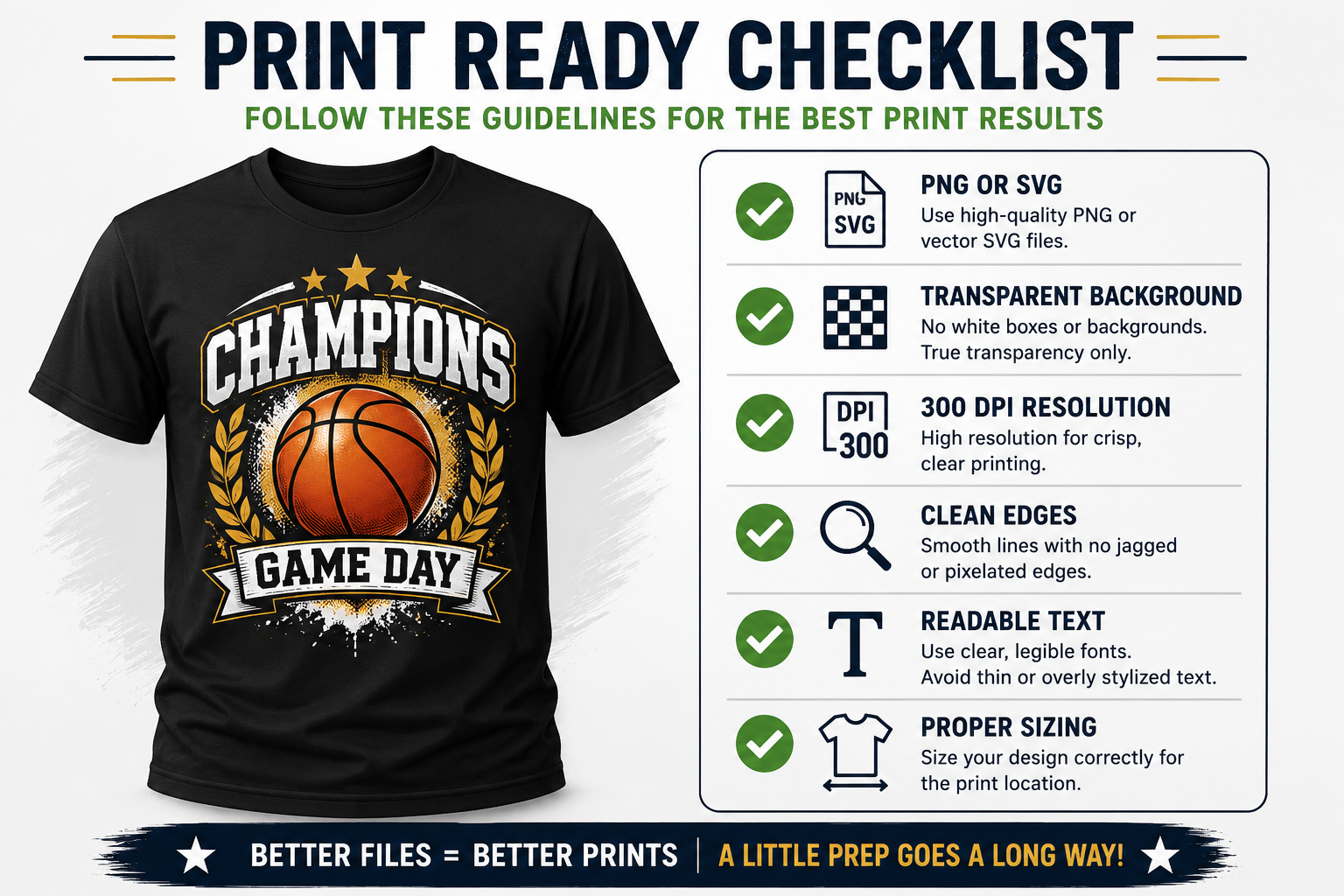
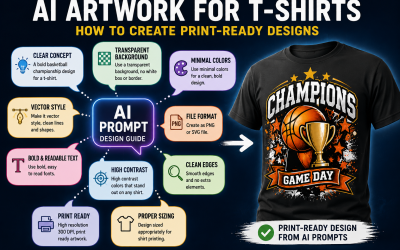
If you want clean, professional results, your file needs to meet these standards.
📁 File Requirements
- PNG with transparent background
- SVG (vector format preferred)
- 300 DPI resolution
🎨 Design Guidelines
- Clean edges
- Solid shapes
- Readable text
- High contrast
📏 Size Guidelines
- Full front design: 10–12 inches wide
- Left chest: 3–4 inches wide
🔤 Font Tips
- Use clean, readable fonts
- Avoid overly stylized AI lettering
- Convert fonts to outlines (for vector files)
How to Prompt AI for Better T-Shirt Designs
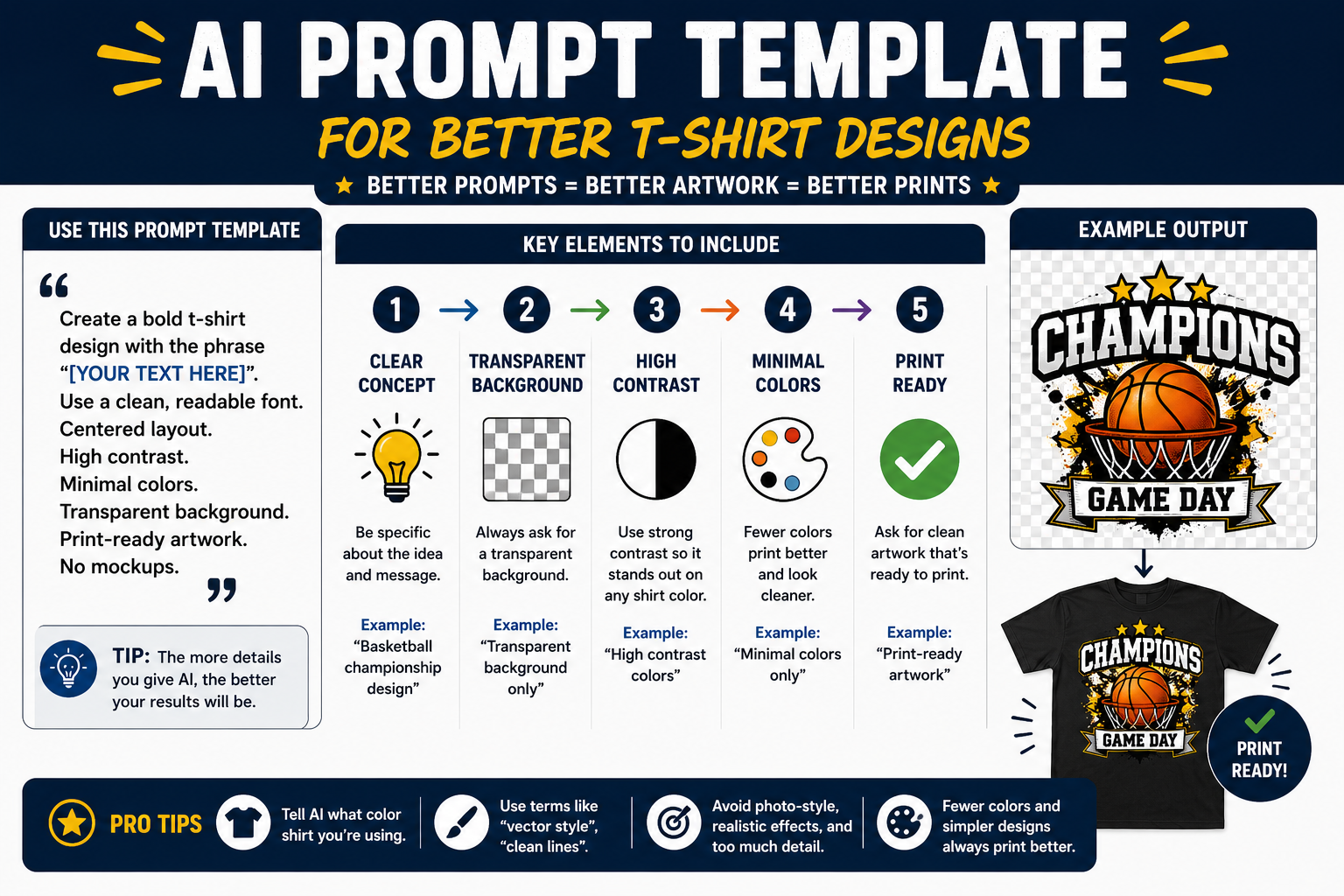
This is where everything changes.
Better prompts = better AI artwork.
🧠 Prompting Tips That Actually Work
- Be specific about your design
- Keep it simple and bold
- Always request a transparent background
- Ask for clean lines and high contrast
- Include sizing and placement details
🧾 Example Prompt
“Create a bold t-shirt design with the phrase ‘[your text]’. Use a clean, readable font. Centered layout. High contrast. Minimal colors. Transparent background. Print-ready. No mockups.”
🎯 Pro Prompting Tips
- Tell AI what color shirt you’re using
- Ask for fewer colors for better printing
- Avoid photo-style or overly detailed designs
- Use terms like:
- “vector style”
- “clean lines”
- “print-ready artwork”
👉 AI will only do what you ask. The more detailed you are, the better the result.
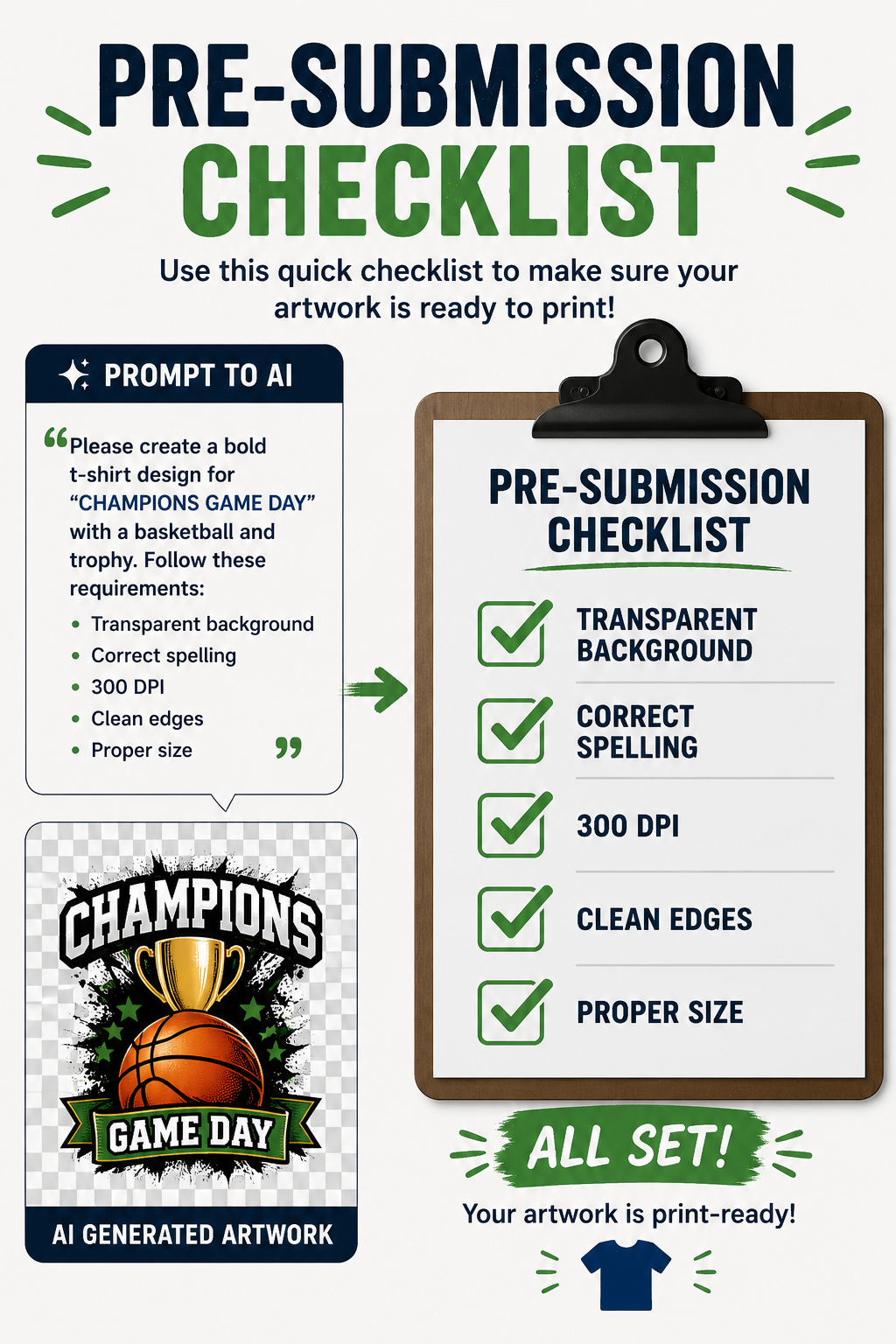
Check Your File Before You Submit
Use this quick checklist to avoid delays and rework.
- ✔️ Transparent background
- ✔️ Correct spelling
- ✔️ High resolution (300 DPI)
- ✔️ Clean edges when zoomed in
- ✔️ Proper size and placement
Expect Some Cleanup (Even with Good AI Artwork)
Even strong AI designs often need adjustments. Common fixes include:
- Cleaning edges
- Fixing text
- Converting file types
- Adjusting colors
👉 Some fixes are simple. Others may require redesign.
Best Uses for AI Artwork
AI works best for:
- Funny or novelty shirts
- Simple text-based designs
- Personal projects
- Quick concept ideas
When AI Might Not Be the Best Choice
You may want to skip AI for:
- Business logos or branding
- Typography-heavy designs
- High-end retail apparel
- Repeat production orders
👉 These often require professional graphic design for consistency.
Why Better Files Matter (For You)
Submitting a clean, print-ready file helps everyone.
- Faster turnaround times
- Fewer revisions
- Lower costs
- Better final product
👉 Better input = better output.
Final Thoughts
AI artwork for t-shirts is an amazing tool. But it’s not magic.
If you want your custom t-shirts to look professional, you need:
- Strong prompts
- Clean design choices
- Proper file setup
👉 Take a few extra minutes upfront. It makes a huge difference.
Need Help With Your AI Artwork?
Not sure if your design is ready? That’s where we come in.
Coey’s Closet specializes in:
- Custom t-shirts for schools, businesses, and teams
- Cleaning up AI artwork
- Fixing text and formatting issues
- Preparing files for high-quality printing
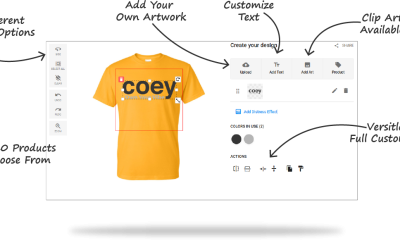
👉 Upload your design or contact us—we’ll help you get it print-ready.